
Music scheduling that flows.
Build clocks, set rules, and generate a log ready for all major automation systems — for commercial and non-commercial (NCE) stations alike.
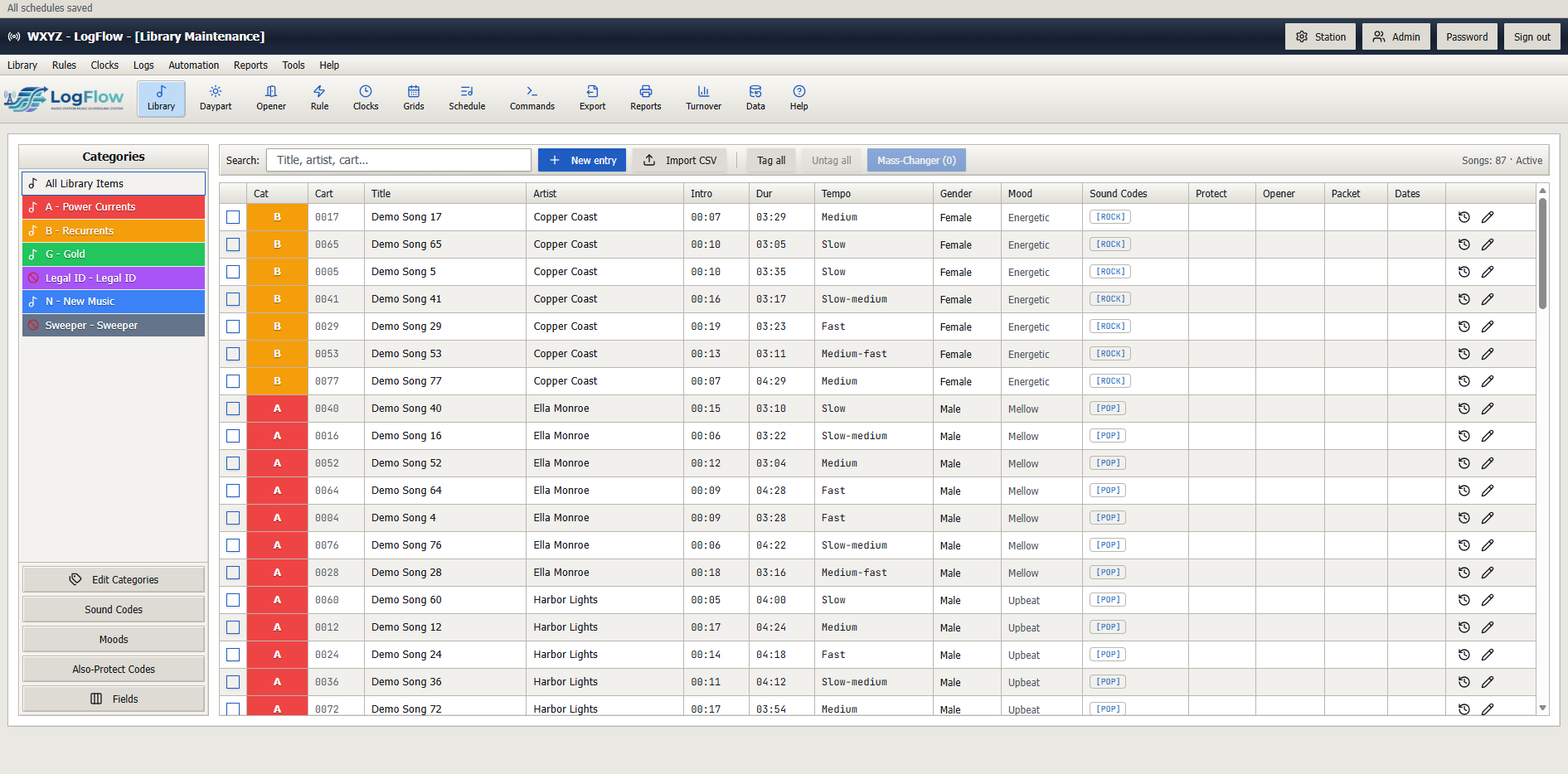
01 / LIBRARY
Main music library
Organize songs by category, cart, tempo, gender, mood and sound code. Import from CSV, tag in bulk and use the Mass-Changer to update hundreds of songs at once.
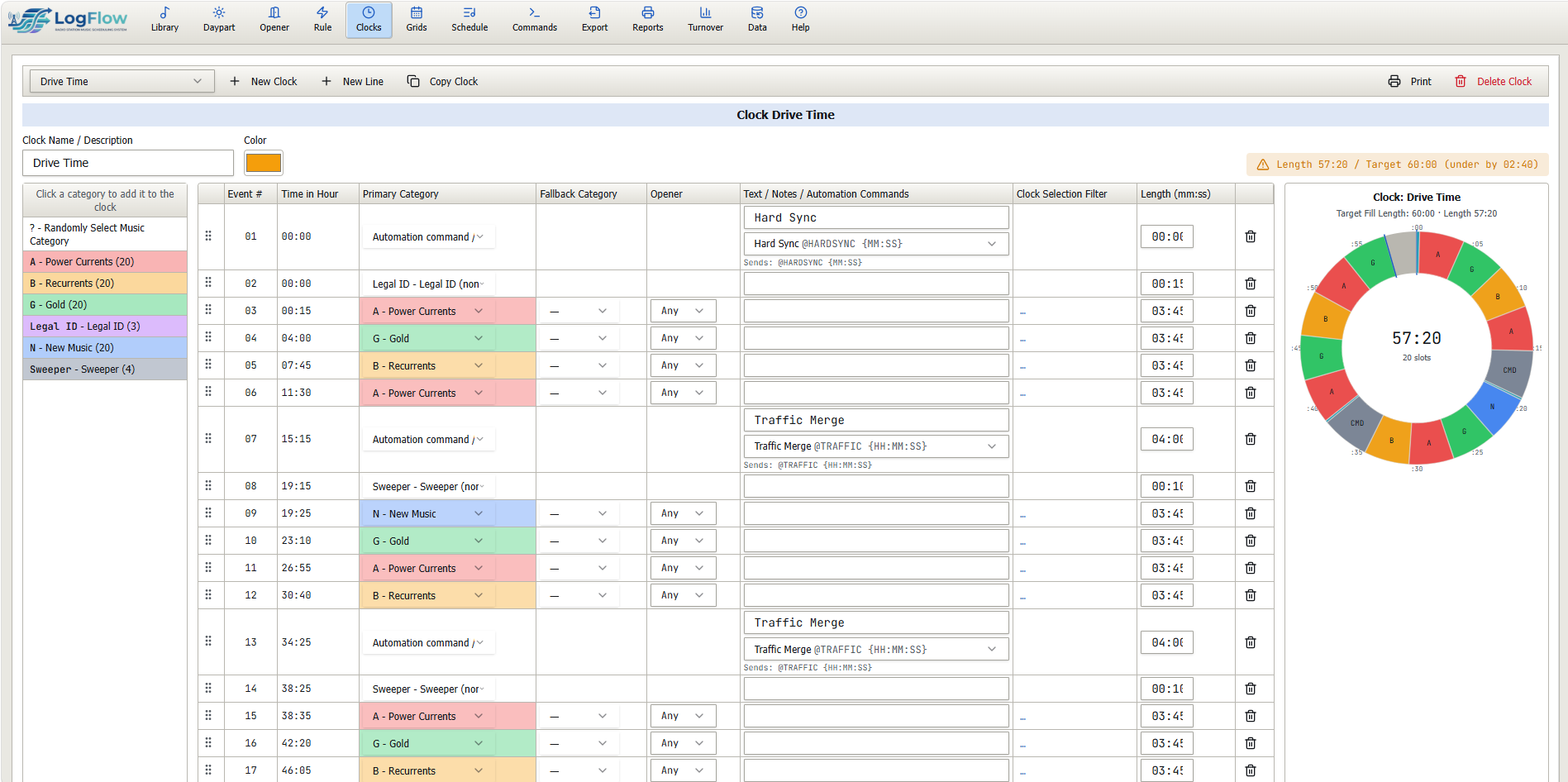
02 / CLOCKS
Clocks
Design hour templates with primary and fallback categories, openers, legal IDs, sweepers and automation commands like hard syncs and traffic merges.
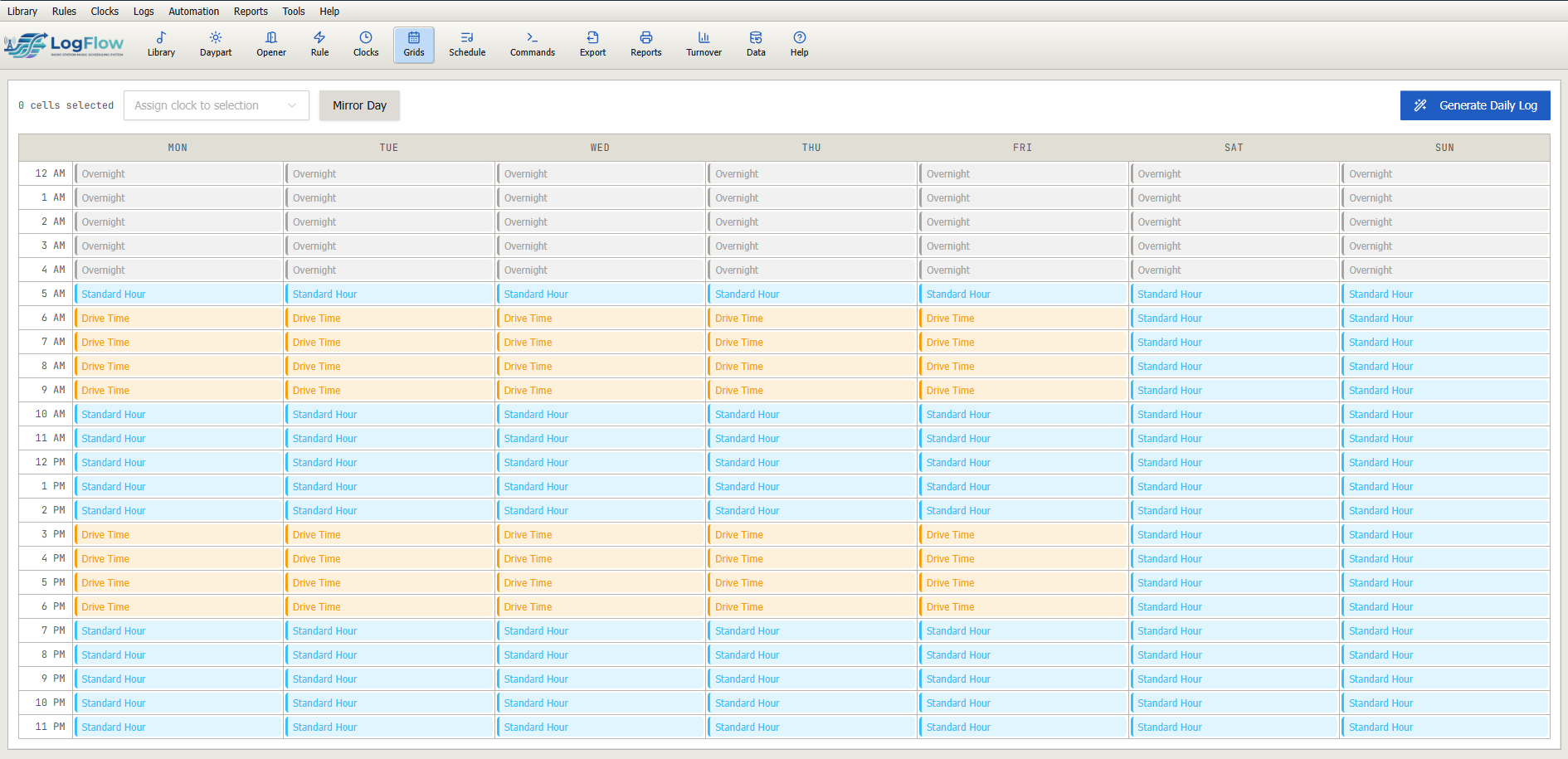
03 / GRIDS
Clock grid assignments
Paint clocks across the 24×7 week. Swap dayparts in seconds and see your whole broadcast week at a glance.
04 / RULES
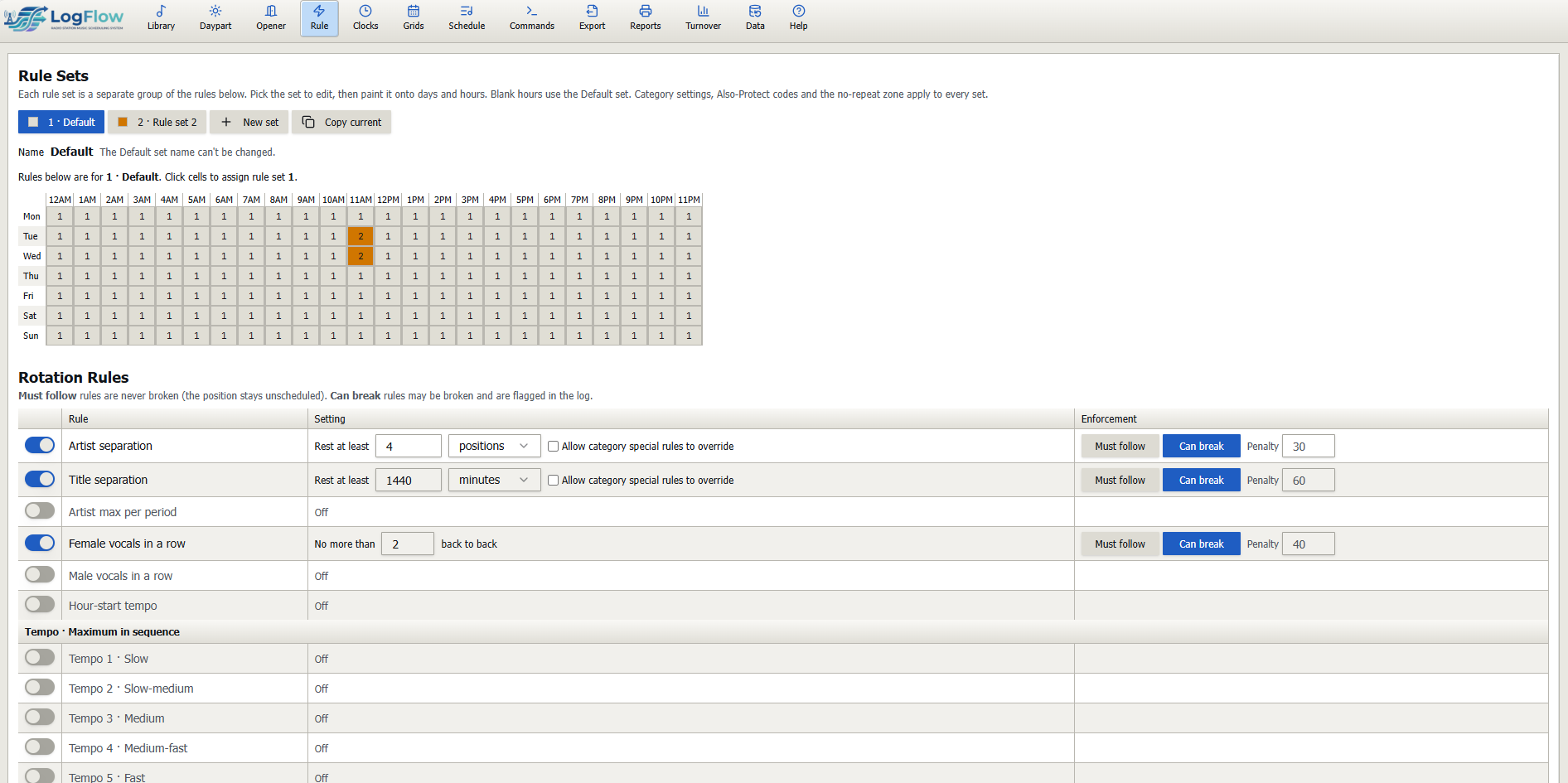
Scheduling rules
Artist and title separation, sound-code protection and custom rules keep your sound balanced hour after hour.
05 / LOGS
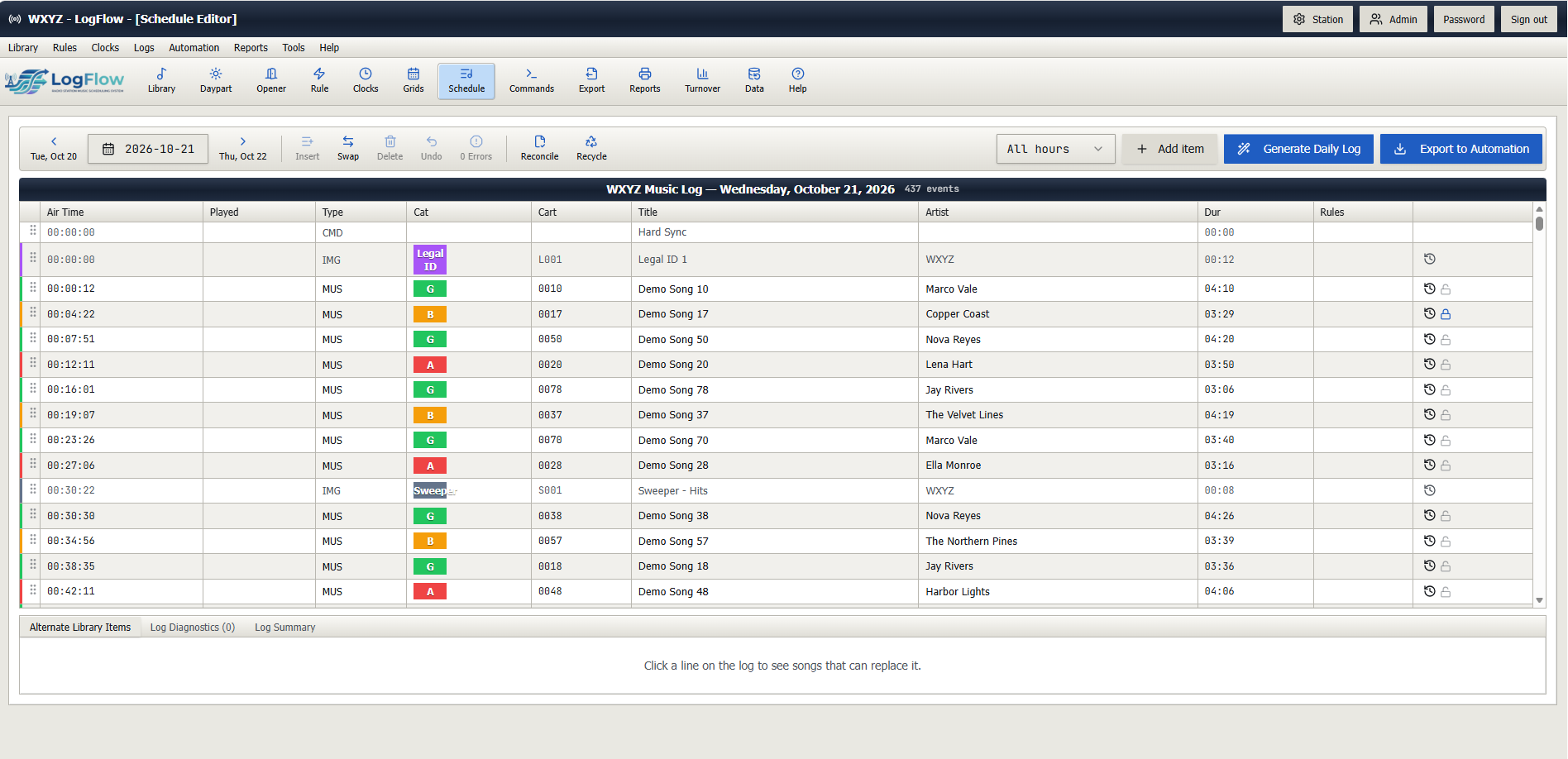
Music log editor
Generate the schedule, then review and edit it. Export a log for all major automation systems.
06 / REPORTS
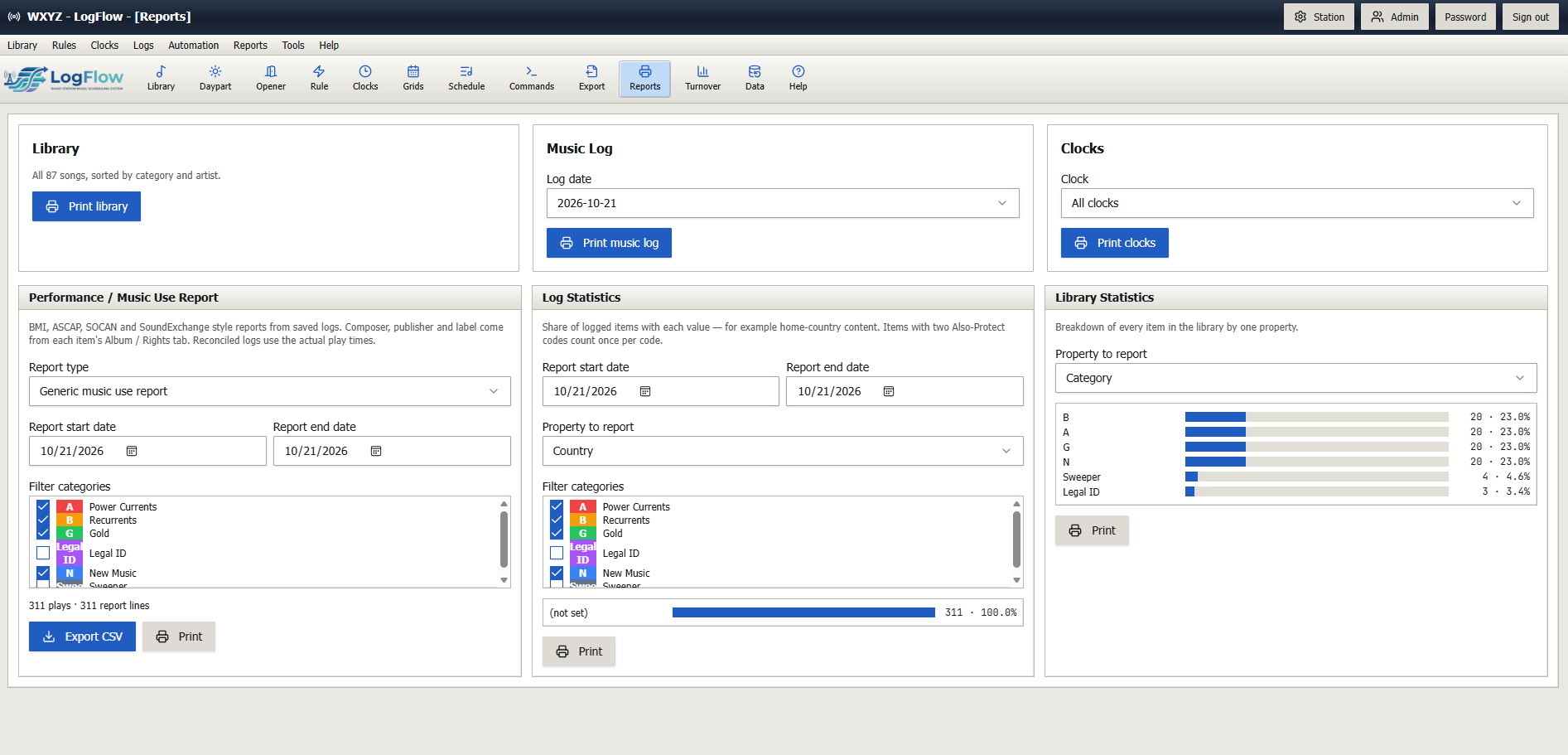
Reports
Print and export spin counts, playlists and category reports for programming and compliance.
07 / TURNOVER
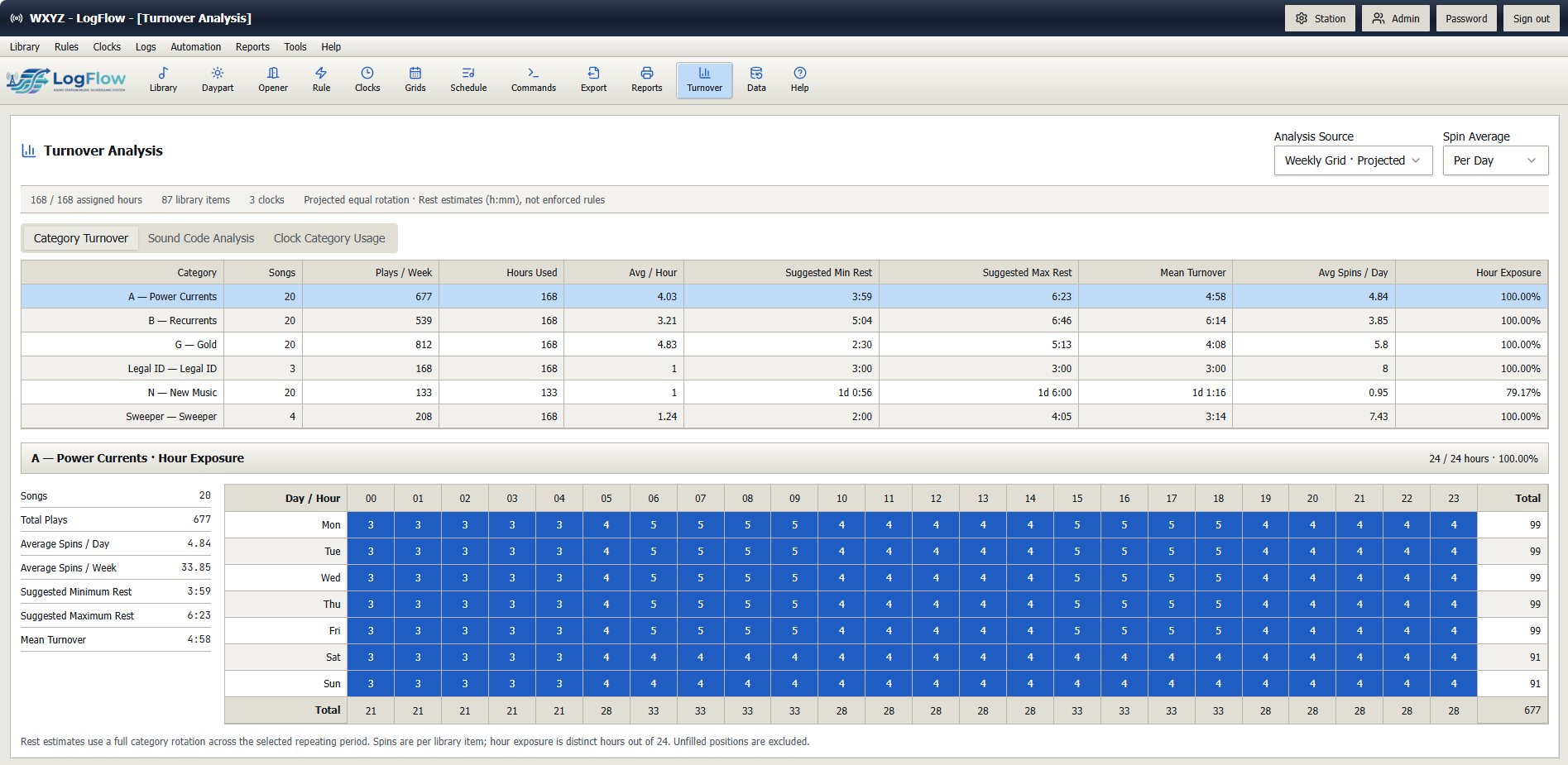
Turnover analysis
Know exactly how often each category turns over by daypart so rotations stay fresh.
08 / DESKTOP CLIENT
LogFlow Desktop Client
Export your log from anywhere. LogFlow Desktop Client automatically downloads logs when they’re exported from LogFlow, so your station’s automation system can pick them up.
1. Export from LogFlow
Send your finished log from wherever you’re working.
2. Download automatically
LogFlow Desktop Client downloads the exported log at your station.
3. Ready for automation
Your automation system picks up the log for playout.
TRAFFIC & UNDERWRITING
LogFlow Traffic
Traffic scheduling, billing, and underwriting for commercial and non-commercial broadcasters.
Explore LogFlow Traffic